How you schedule it
Everything is in Clients, the Cleaning tab:
- By machine model: you pick the cleaning type and the rules.
- Rules by usage: cups, kilograms of coffee or reading.
- Rules by calendar: a given week of the month, or every 2, 3 or 4 weeks.
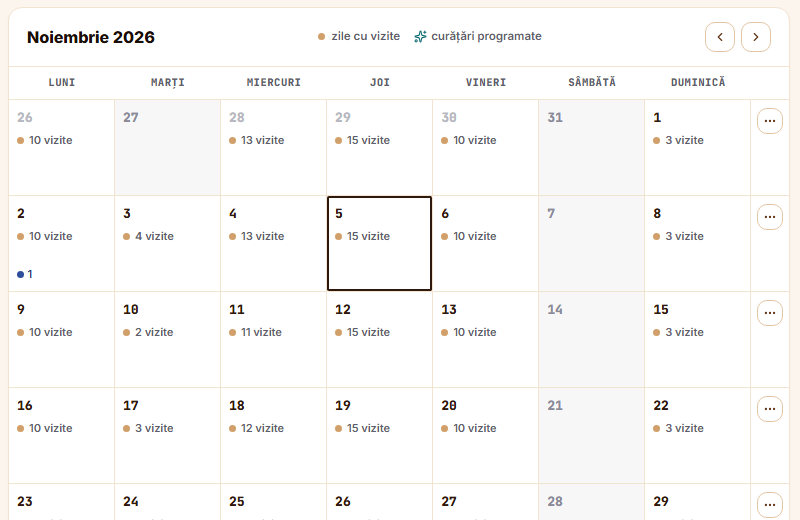
- For a single day: you add a cleaning from the calendar, only for the chosen day.
- Weekly program: you save it once and apply it when you need it.
What the agent sees
1
Learns about the cleaning
They get a notification and see the cleaning type in the visit steps.
2
Answers at the end
They pick Yes, cleaned or I did not clean.
3
Gives the reason
If they did not clean, they pick: No time, No cleaning materials, Client did not allow it, Machine unavailable or Scheduled for the next visit.
What you see
- Notification: that the cleaning was not completed, with the client, the machine and the reason. It comes only when the cleaning was not done.
- Cleaning history: Requested, From visit, Cleaned or Cancelled.
Questions
Does the agent have to add a photo?
The photo is optional and can be added when they answer Yes, cleaned.
Can they clean without being asked?
Yes. They tap Cleaning on the machine and confirm.
Is it included at every company?
Cleaning is switched on separately for each company. Write to us and we switch it on.
Got a question?
Message us on WhatsApp.
Contact us