Who brings the data in
We do. Starting takes under 2 weeks, and setup takes a few days. We stay in touch by phone and by message until all the data is in correctly.
Edit like in a spreadsheet
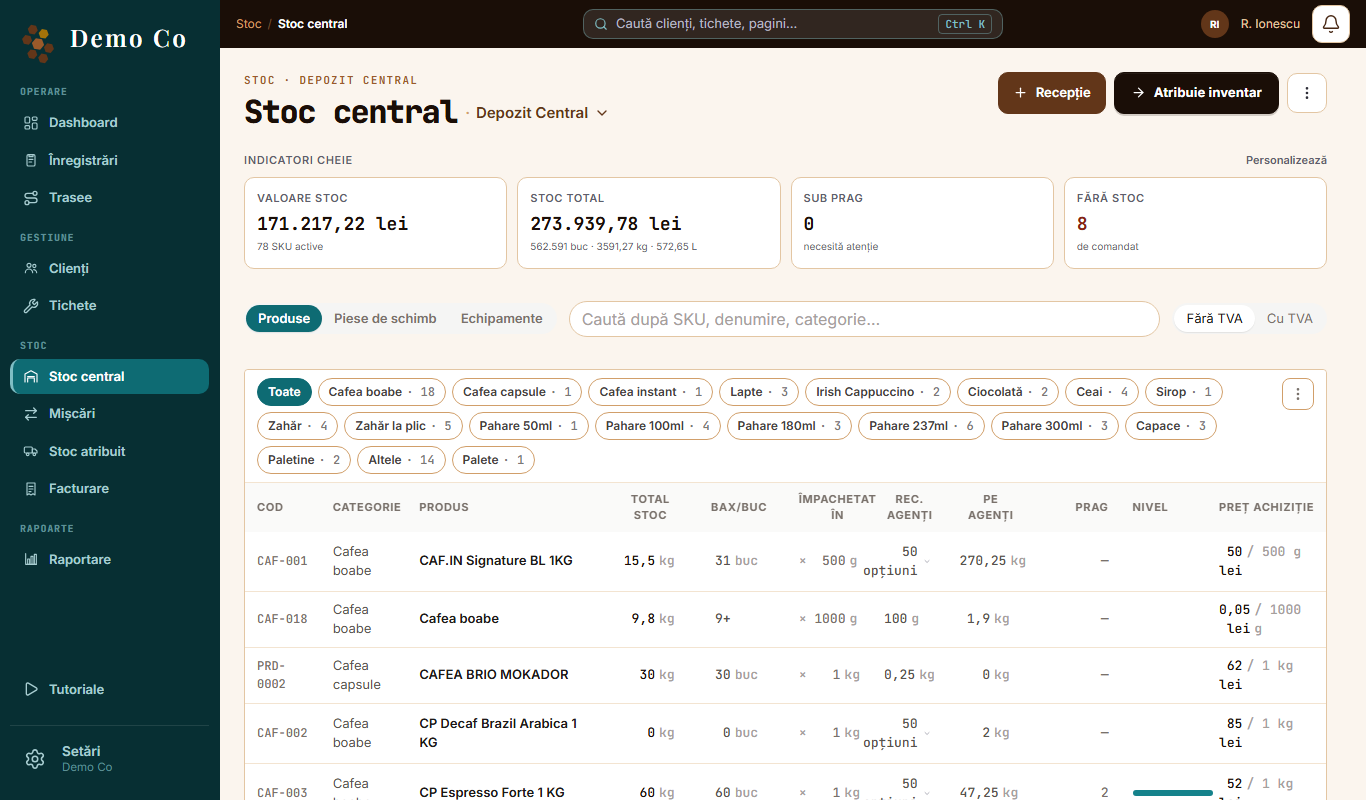
In Central stock you tap Adjust, change several cells and save everything at once.
What you download to Excel
- Clients
- Records, and for each client
- Movements
- Stock: inventory sheet and total stock
- Equipment
- Assigned stock
- Invoicing
- Reports: month closing, collection sheet and sales
Protected files
From Settings you can put a password on the Excel exports, with Protect Excel.
See the Reports and exports page →Questions
Can I import an Excel file myself?
Not from the app. You send it to us and we bring it in.
Does it work from the phone?
Yes. The agent, the technician and the manager each have the app on their own phone.
Got a question?
Message us on WhatsApp.
Contact us